Customize the Cart page template with built-in settings, then enhance the template with additional sections. To add sections, confirm you are using a compatible version.
Confirm your theme is compatible
Open the cart page template
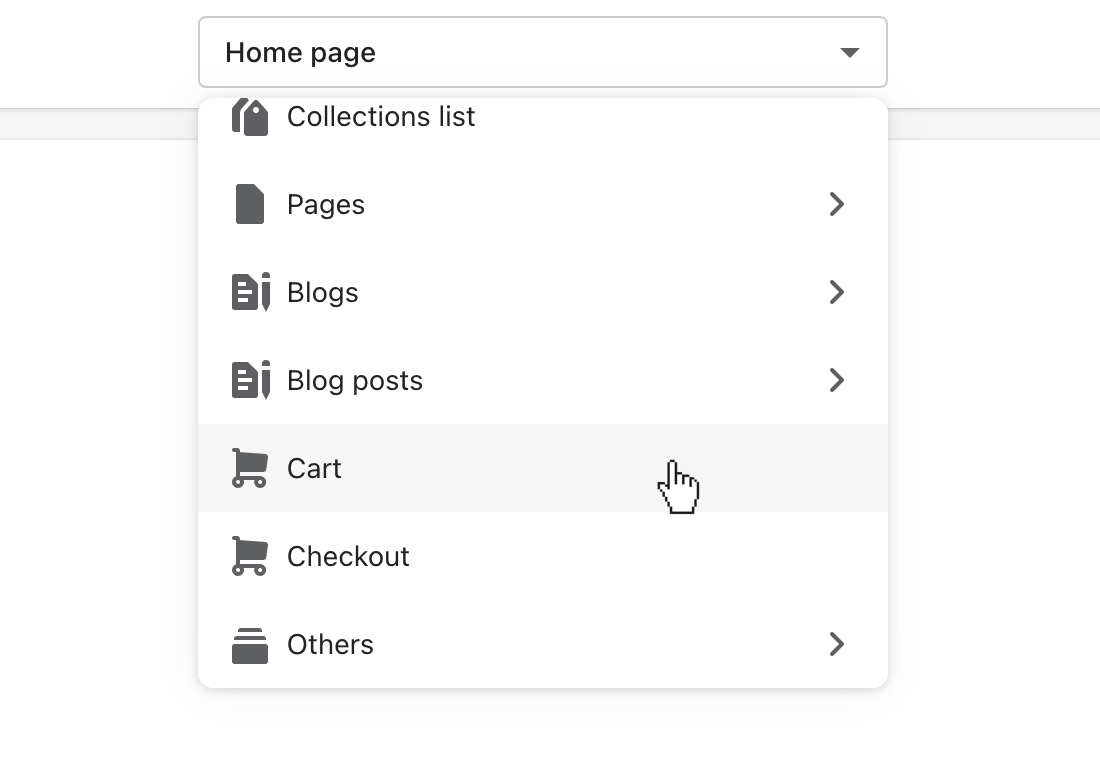
In the theme editor (Customize), use the page selector to open Cart.
Add a section
In the left sidebar of the theme editor (Customize), click (+) Add section.
Select one of the available sections. Use the search field to search by section name.
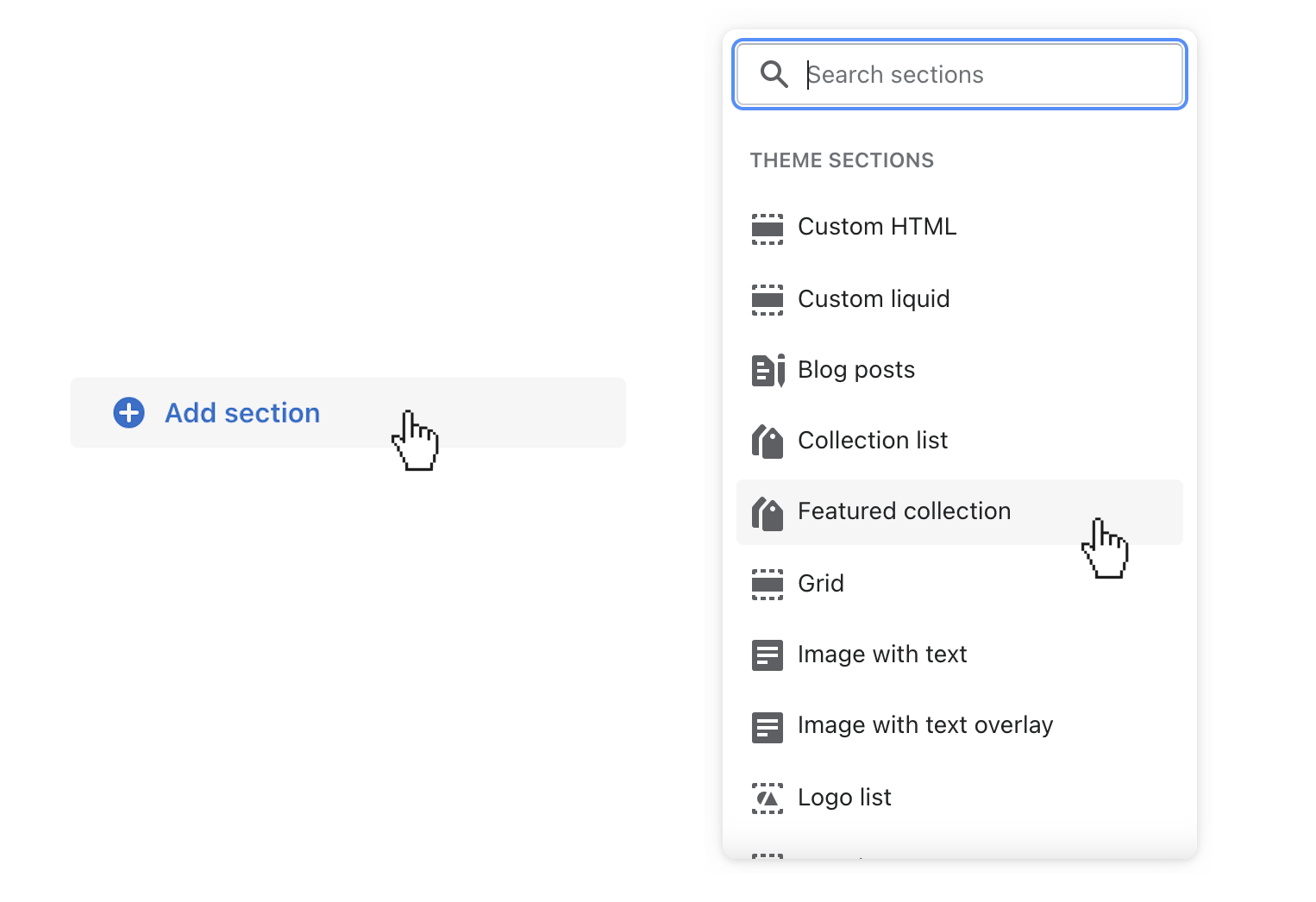
Themes with numerous sections will only show some of the sections immediately. To reveal additional sections, select Show more.